Recent messages stay responsive
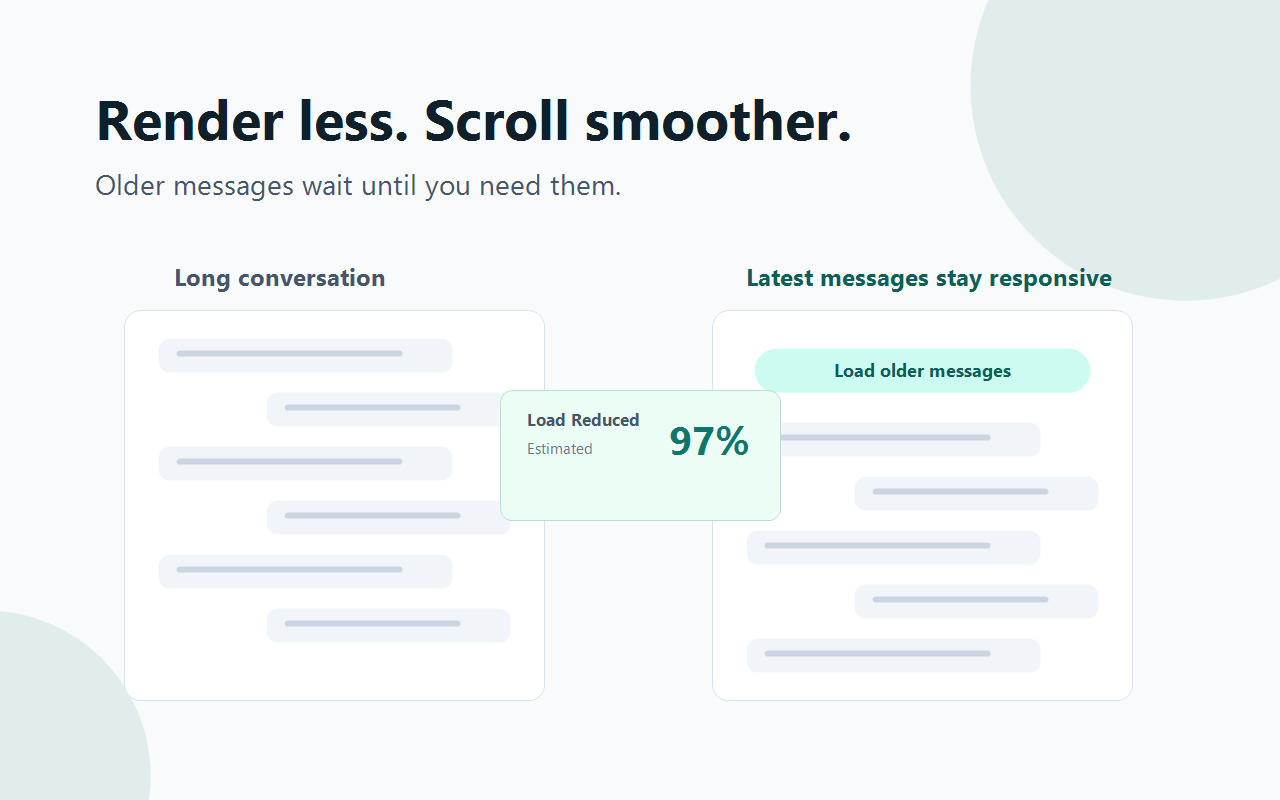
Newest user and assistant messages remain visible so the conversation stays usable while older history is deferred.
 ChatGPT Window
Get Beta
ChatGPT Window
Get Beta
Local-only browser extension for chatgpt.com
ChatGPT Window keeps the newest messages responsive, defers older conversation history, and lets you load more context only when you need it.
Why it helps
The extension keeps the workflow simple: pick how many messages stay visible, keep working, and load older messages only when you need more context.
Newest user and assistant messages remain visible so the conversation stays usable while older history is deferred.
A visible page button lets you bring back older messages instead of forcing everything to render at once.
Choose how many recent messages stay visible from the popup. The default is 30 messages.
See rendered and deferred message counts, plus an estimated load reduction, without storing chat content.
Runs only on chatgpt.com and uses local extension storage for settings.
Enable it from the popup, set your visible message count, and continue using ChatGPT normally.
Privacy first
ChatGPT Window does not collect, upload, or store your chat message text. It stores only local settings and numeric optimization stats on your device.
chatgpt.com.
Beta now, monetization later
The current priority is stability and store approval. Paid licensing should be added only after beta feedback confirms the extension is reliable.
$0
TBD
FAQ
No. Chat message text, conversation titles, account details, and conversation URLs are not stored by the extension.
User messages and assistant replies count separately. A user message plus one assistant reply counts as two messages.
Yes. The extension adds a visible Load older messages button when older conversation history has been deferred.
The beta build targets desktop Chrome and Firefox. Other Chromium-based browsers may work after Chrome Web Store publication.
Email chatwindowtools@outlook.com with your browser, extension version, and a short issue description.
Ready for beta